

Most SEO advice focuses on content and keywords, but none of it matters if search engines can’t crawl and index your site properly. A technical SEO audit checklist helps you systematically check the plumbing behind your website — the stuff visitors never see but that determines whether your pages can be crawled, indexed, and found in search results. If your rankings have stalled and you can’t figure out why, a technical SEO audit is usually the first place to look.
If you’re conducting a broader SEO site audit, start with technical issues before moving on to content, backlinks, and other ranking factors.
The good news is you don’t need an enterprise SEO tool to run a solid audit. The technical SEO audit checklist gives you a step-by-step process you can work through in an afternoon, roughly in the order that matters most — and if you want the fuller picture of how technical work fits alongside content and links, our Complete Guide to SEO in 2026 covers the whole strategy.
1. Check Crawlability First: Find Crawlability Issues
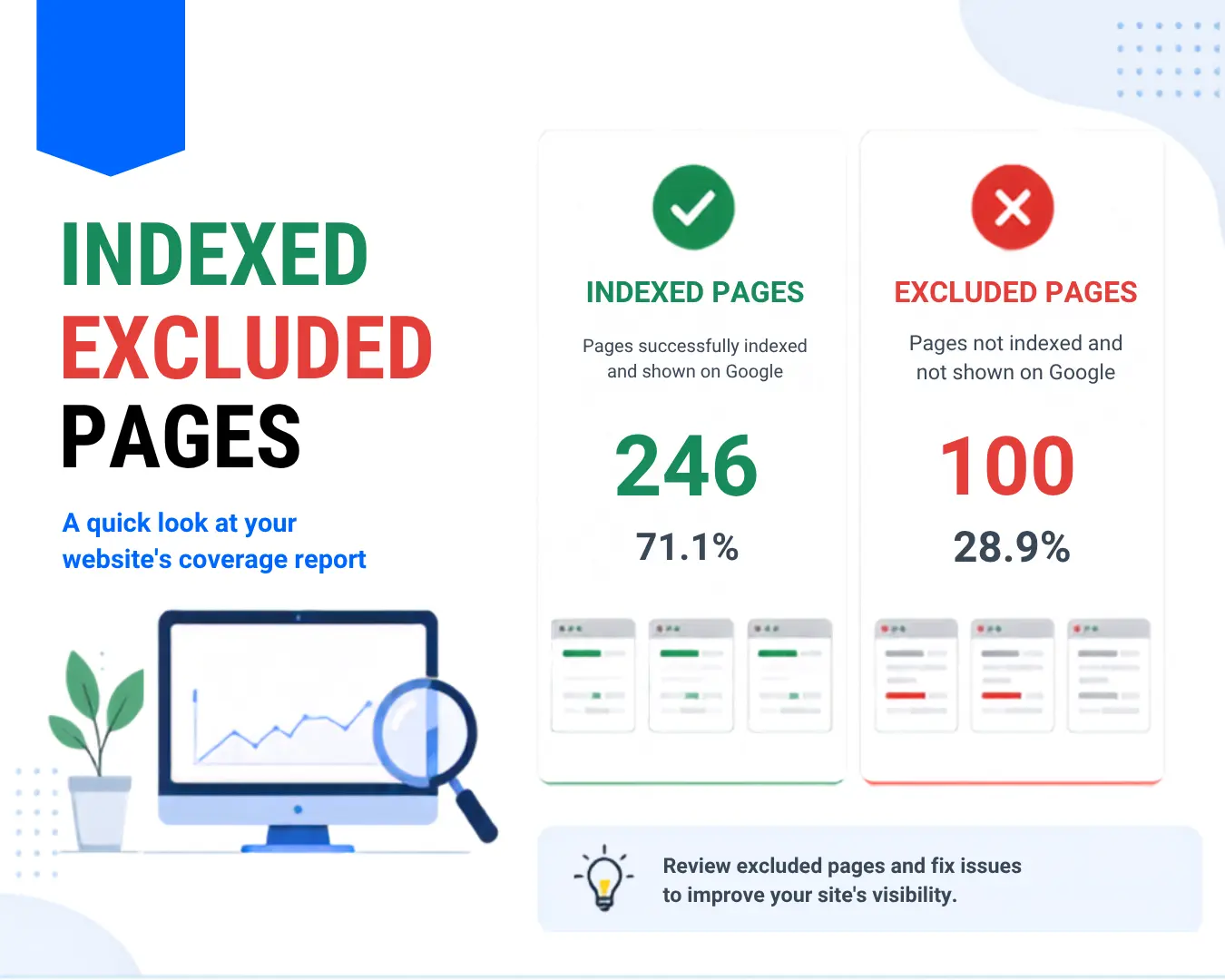
Before anything else, confirm search engines can actually access your site. As Google’s own documentation on how Search works explains, a page has to be found, crawled, and indexed before it can appear in results at all — so this is where an audit has to start. Open Google Search Console’s Page indexing report and review pages that are not indexed, paying particular attention to errors and exclusions that affect important URLs. Common culprits include an overly aggressive robots.txt file, accidental noindex tags left over from staging, and orphaned pages with no internal links pointing to them.
-
- Review robots.txt for rules that block important folders
- Use
site:yourdomain.comin Google as a quick check for indexed pages, but rely on Search Console for a more complete view of your site’s indexing status.
-
- Check for noindex tags on pages that should be ranking
-
- Confirm your XML sitemap is submitted and up to date
2. Audit Site Speed and Core Web Vitals
Page speed is both a ranking factor and a conversion factor, making it an essential part of any technical SEO audit. Slow sites can lose visitors before they ever read your content. Run your key pages through PageSpeed Insights and note your Largest Contentful Paint, Interaction to Next Paint, and Cumulative Layout Shift scores. Unoptimized images, render-blocking scripts, and bloated themes are the usual offenders.
You don’t need to fix everything at once. Prioritize your highest-traffic and highest-converting pages first, since that’s where speed improvements will move the needle fastest.
3. Fix Broken Links and Redirect Chains
Crawl your site with a free tool to find 404 errors and internal links pointing to dead pages. Also look for redirect chains — a URL that redirects to another redirect before finally landing on the real page. Each additional hop adds unnecessary latency and complexity, so collapse redirect chains into a single, direct redirect wherever possible.
4. Review Your URL Structure and Canonicalization
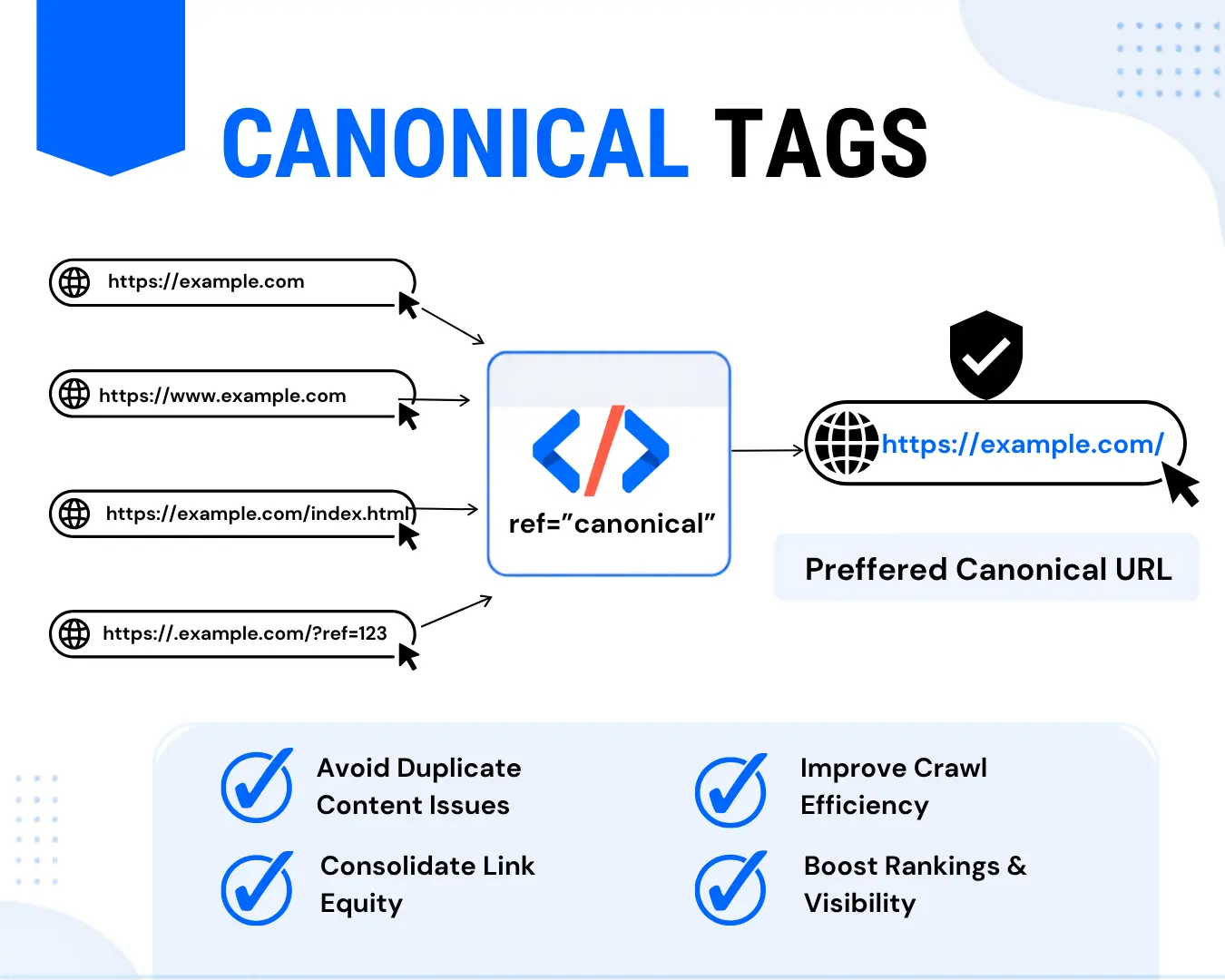
Duplicate content is one of the sneakiest technical SEO problems because it’s rarely intentional. It often comes from URL parameters, printer-friendly page versions, or the same product accessible through multiple categories. Google’s URL structure guidance specifically warns that overly complex, parameter-heavy URLs can create unnecessarily high numbers of near-duplicate pages that waste crawl budget. Canonical tags tell search engines which version is the “real” one, so audit your key templates to make sure canonicals point where they should. Also check that canonical URLs are self-referencing where appropriate, use the preferred HTTPS version, and don’t point to URLs that redirect, return errors, or are blocked from crawling.
5. Check Mobile Experience and Structured Data
With mobile-first indexing, Google evaluates the mobile version of your site as the primary version. Test your key pages on mobile devices and use Google’s mobile-friendly testing and Search Console data where relevant to identify usability or performance problems. While you’re at it, validate your structured data markup — schema errors can prevent eligible pages from appearing with enhanced search features.
6. Put It on a Recurring Schedule
A technical audit isn’t a one-and-done task. Think of this SEO checklist for 2026 as a repeatable process rather than a task you complete once and forget. Sites accumulate new pages, plugins, and code changes constantly, and each one is a chance to introduce a new issue. Set a recurring quarterly audit using this same checklist, and you’ll catch problems while they’re still small and easy to fix.
Common Technical SEO Audit Mistakes to Avoid
Even a thorough checklist won’t help if you stop at the first pass. A lot of teams run one audit, fix the obvious issues, and never revisit it — missing new problems introduced by later site changes. Others fix symptoms without finding the root cause, like manually removing a handful of duplicate URLs without addressing the parameter-based URL structure generating new duplicates every day. And it’s easy to prioritize whichever issue is easiest to fix rather than the one actually costing you the most traffic, so weigh severity against effort before diving in.
Frequently Asked Questions About Technical SEO Audits
What is a technical SEO audit?
A technical SEO audit evaluates the technical elements that affect how search engines crawl, index, and understand a website. It commonly covers crawlability, indexing, site speed, Core Web Vitals, redirects, URLs, canonicals, mobile experience, and structured data.
How often should you perform a technical SEO audit?
For most websites, a quarterly technical SEO audit is a practical starting point. Larger or frequently updated websites may benefit from more frequent monitoring, especially after major redesigns, migrations, or technical changes.
What is the most important part of a technical SEO audit?
Start with crawlability and indexing. If search engines cannot properly access or index important pages, improvements to content and other SEO factors may not deliver their full potential.
The Bottom Line
Technical SEO isn’t the most glamorous part of the job, but it’s the foundation everything else sits on. Use this technical SEO audit checklist to work through crawlability, indexing, speed, redirects, URLs, mobile experience, and structured data in a logical order.
Start with the issues that can prevent search engines from accessing or indexing your important pages, then prioritize performance and other technical improvements. Once your technical foundation is in order, the content and link-building work you’re already doing will have a much better chance of delivering results.