
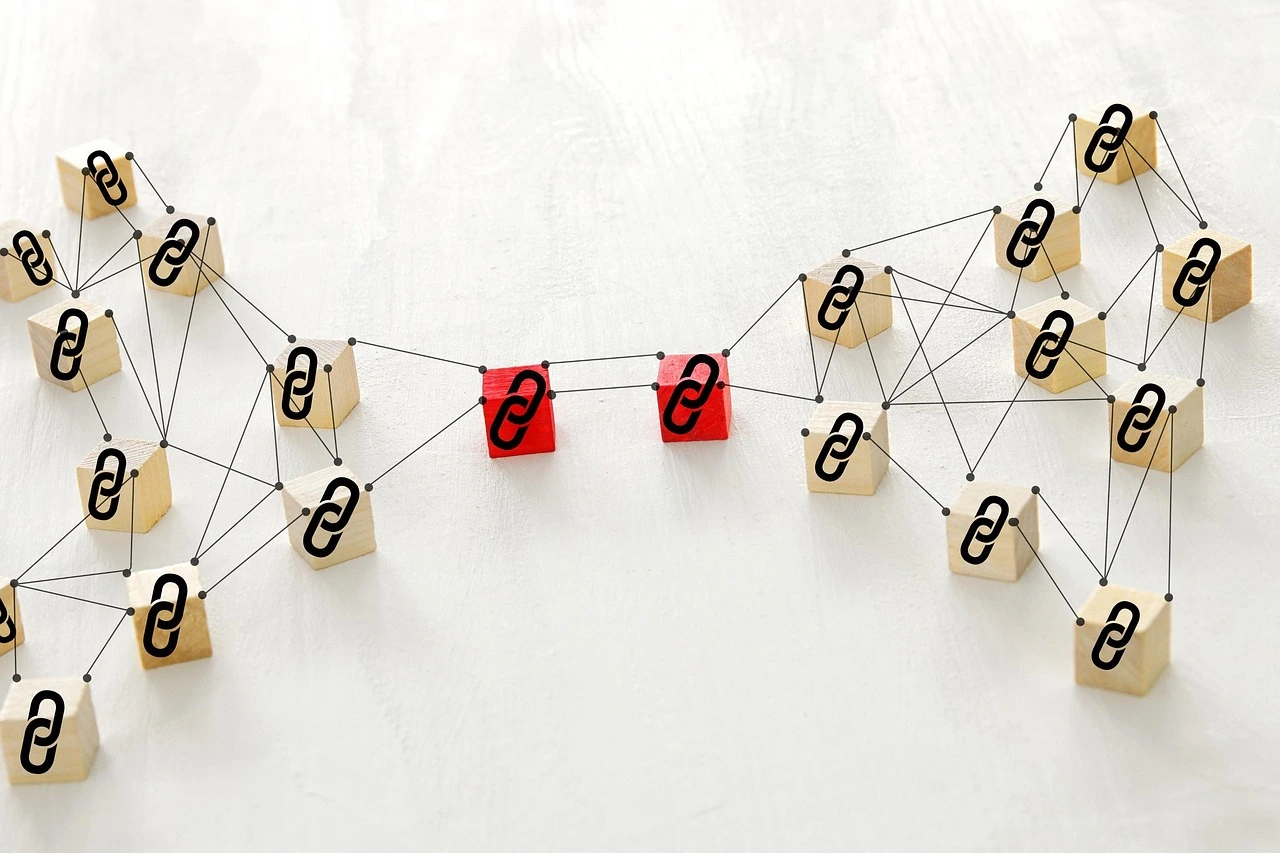
An effective internal linking strategy is one of the few SEO levers you have complete control over. You don’t need to earn internal links or wait on someone else’s editorial calendar — you can add them today. Done well, internal linking spreads authority to your most important pages and gives search engines a clear map of what your site is actually about. For the bigger-picture strategy this fits into, see our Complete Guide to SEO in 2026.
Why Internal Links Matter for SEO
Internal links matter for SEO because they help search engines discover pages, understand relationships between content, and navigate your website more efficiently. When a page on your site earns backlinks, some of that authority can flow to other relevant pages through internal links. Google’s SEO Starter Guide also explains how organizing your site and linking between pages can help search engines discover and understand your content. This is exactly how the hub-and-spoke or pillar-cluster model works: a comprehensive pillar page links out to detailed cluster posts, and those cluster posts link back to the pillar, concentrating relevance around your core topics.
Internal links also shape how search engines interpret your SEO site structure. A page that receives links from many other relevant pages can signal importance, while a page with no internal links pointing to it — an orphan page — can be harder for search engines to discover and crawl.
Building an Effective Internal Linking Strategy
Start With Your Pillar Pages
Identify the handful of pages you most want to rank — usually your pillar or cornerstone content. Every related blog post you publish should link to that pillar page using descriptive, keyword-relevant anchor text, not generic phrases like “click here.”
Link Down From the Pillar Too
The relationship should go both ways. Your pillar page should link out to its supporting cluster posts, while relevant cluster posts link back to the pillar. This helps distribute link equity across related pages and gives readers (and search engines) a clear path to dig deeper into subtopics.
Audit Older Content for Missed Opportunities
Every time you publish something new, go back through 3–5 older, relevant posts and add a link to it. Before adding new links, conduct an SEO site audit to identify orphan pages, weak internal-link relationships, and other technical issues. This is one of the highest-leverage SEO tasks you can do in 15 minutes, and it’s easy to skip if you’re not deliberate about it.
- Use descriptive anchor text that includes relevant keywords naturally
- Link from high-authority pages to pages that need a boost
- Avoid linking to the same page more than once or twice per article
- Fix orphan pages by adding 2–3 relevant internal links from existing, indexed pages.
Common Internal Linking Mistakes
The most common mistake is treating internal linking as an afterthought — adding one or two links at the end of a draft without thinking about which pages actually need the support. Another frequent issue is over-optimized anchor text repeated identically across dozens of pages, which can look manipulative rather than natural. On large sites, navigation and footer links can account for a significant share of internal links, making contextual body links particularly valuable for connecting related content.
How to Audit Your Current Internal Links
Crawl your site with a free tool and export a report of internal links per page. Sort by pages with the fewest inbound links — these are your priority targets. Cross-reference against your analytics to find high-traffic pages that aren’t linking to your priority conversion or ranking pages, and fix those gaps first.
Frequently Asked Questions About Internal Linking
How many internal links should a page have?
There is no fixed ideal number of internal links per page. Focus on adding relevant links where they genuinely help users discover related content. For most blog posts, 3–5 contextual internal links can be a useful starting point.
What is an internal linking strategy?
An internal linking strategy is a planned approach to connecting pages within your website so users and search engines can discover important content, understand relationships between pages, and navigate your site more effectively.
Do internal links help SEO?
Yes. Internal links can help search engines discover and understand pages while also directing users toward relevant content. A well-planned internal linking strategy can strengthen your site’s overall structure and support important pages.
How Internal Linking Fits Into a Content Cluster Model
If you’re organizing content around pillar pages and cluster posts, internal linking is the mechanism that actually makes the model work rather than just look organized on a content calendar. A pillar page with 15 cluster posts that never link back to it is really just 15 unrelated articles that happen to share a theme. The links are what tell search engines these pages belong together as a topical cluster, which is a meaningful part of how modern search engines assess topical authority on a subject.
Make It a Habit, Not a Project
Internal linking works best as an ongoing habit rather than a one-time cleanup. Build it into your publishing checklist: every new post gets 3–5 relevant internal links, and every new post triggers a quick pass through older content to add links back to it. Over time, this consistent internal linking strategy can strengthen your site structure, improve content discovery, and help your most important pages receive more internal authority.
Start with your most important pages, identify your orphan and under-linked content, and gradually build stronger connections across your site.