

A successful website redesign process starts long before the first wireframe is created. Redesigns can fail because important content gets removed, URLs change without proper redirects, SEO signals are lost, or conversion-focused features are overlooked. A structured plan helps you improve the site’s design and performance without sacrificing the traffic, rankings, and functionality you’ve already built. For a broader overview of website planning, design, and development, see our Website Design & Development: The Complete Guide.
Website Redesign Process: Start With Clear Goals
“It looks outdated” is a real reason, but it’s rarely the whole reason. Get specific: is the current site not converting, hard to update, failing on mobile, or misaligned with a rebrand? The actual driver should shape your priorities — a conversion problem calls for a different redesign than a purely visual refresh, even if both end up looking new. Write the primary driver down explicitly and keep referring back to it throughout the project; it’s remarkably easy for a redesign to quietly drift toward whatever feels most exciting to the design team rather than what the business actually needs.
What to Do Before Starting a Website Redesign
Before starting the visual design, document how the current website performs. Record your most visited pages, organic landing pages, important keywords, backlinks, conversions, and existing URLs. This baseline gives you something to compare against after launch and helps prevent valuable assets from being accidentally removed during the redesign.
Audit Your Website Before Starting the Redesign
- Content audit: which pages drive traffic, leads, or rankings today
- Analytics audit: where do visitors currently drop off in the funnel
- SEO audit: current rankings, backlinks, and URL structure to preserve
- Technical audit: page speed, integrations, and functionality that must carry over
This step is where most of the risk in a redesign actually lives. A page that quietly drives 20% of your organic traffic needs to be identified before the redesign, not discovered afterward when rankings drop.

Define Goals for Your Website Redesign
Set specific, measurable goals for the new site before wireframes start — faster load time, higher form conversion rate, lower bounce rate on key pages. Without concrete targets, “success” quietly becomes “do stakeholders like how it looks,” which is a much shakier foundation for a project this expensive.
Plan URL Changes to Protect SEO
One of the most important parts of website redesign SEO is protecting the URLs and search signals you’ve already built. If URLs are changing, create a redirect map before launch and send each old URL to its most relevant new destination using a permanent redirect. Skipping this step, even for a handful of pages, can tank rankings you spent years earning. Google Search Central’s guidance on crawling and indexing covers how redirects, site moves, and URL changes are handled during a migration, and is worth reviewing before launch. Build a full redirect map as a deliverable of the planning phase, not something handled hastily at launch. Google’s Site Moves and Migrations guidance also recommends mapping old URLs to their new destinations, implementing permanent redirects, updating internal links and sitemaps, and monitoring traffic after the move.
Build and Test the Redesigned Website on Staging
Keep the staging website from being indexed while development is underway. Before launch, check that temporary noindex directives or crawling restrictions are removed from the production site. Google specifically advises preparing development blocking rules and ensuring temporary noindex or robots.txt restrictions are removed when the site move begins
Never build a new site directly on the live domain where search engines can accidentally crawl and index half-finished pages. Use a staging environment, block it from indexing, and only push live once QA is complete — broken links, missing redirects, and form functionality all checked across desktop and mobile.
Launch the New Website and Monitor SEO
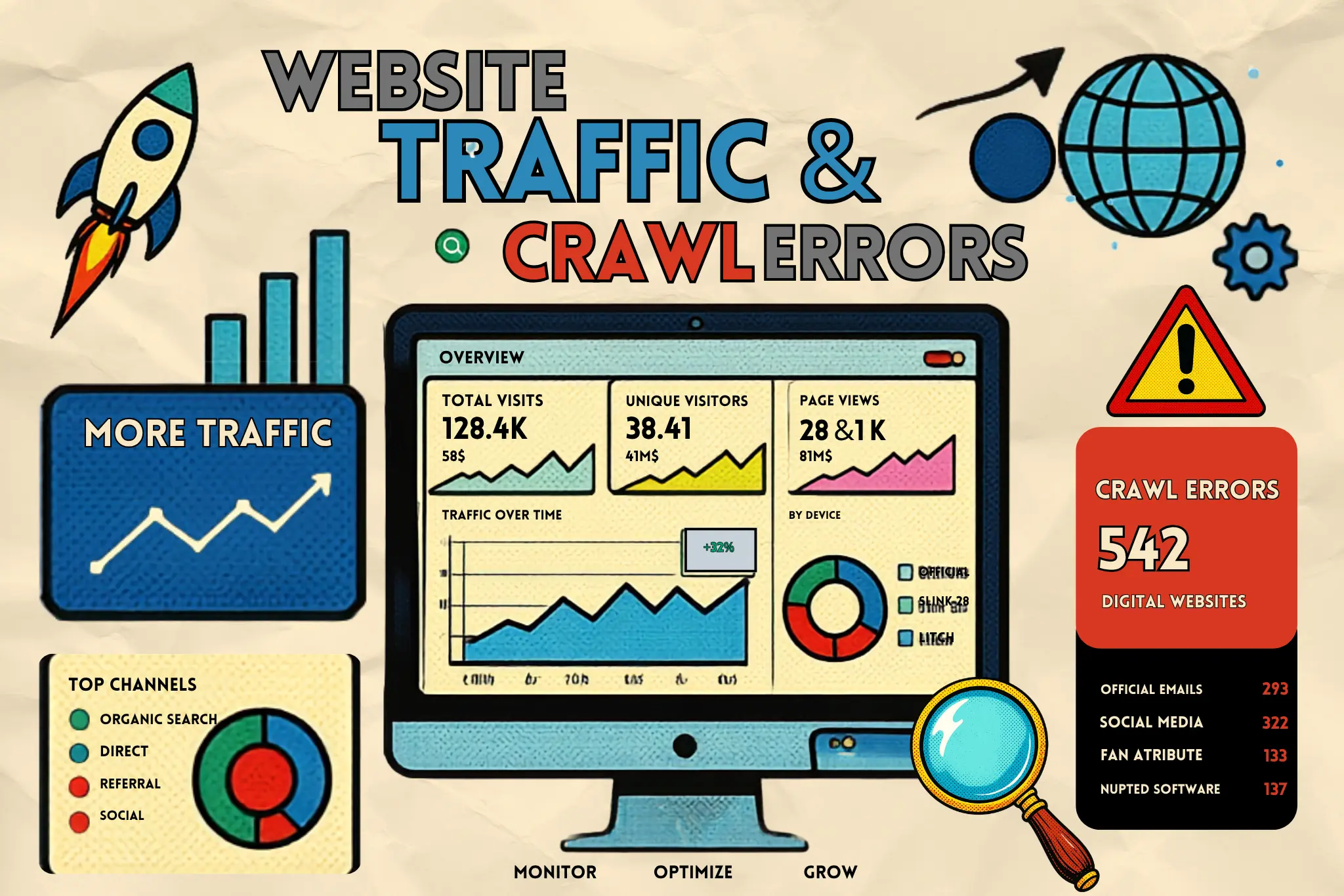
After launch, monitor organic traffic, keyword rankings, indexed pages, crawl errors, redirects, and conversions. Google notes that ranking fluctuations can occur while Google recrawls and reindexes a site after a move, so don’t assume that every short-term fluctuation means the redesign has failed.
The days immediately after launch matter most. Watch Search Console for crawl errors and sudden ranking drops, check analytics for traffic and conversion anomalies, and keep the redirect map handy in case you find gaps the audit missed. Most serious redesign problems are fixable quickly if caught in the first week — and much harder to unwind a month later.
Keep Stakeholders Involved Throughout the Redesign
A surprising number of redesign conflicts come from stakeholders seeing the new design for the first time right before launch, after months of work they had no visibility into. Share the audit findings and goals early, review wireframes before visual design begins, and set expectations that feedback rounds happen at defined checkpoints rather than continuously. This doesn’t just smooth internal politics — it catches misalignments on scope and priorities while they’re still cheap to fix.
Frequently Asked Questions About Website Redesign
How do I plan a website redesign?
Start by defining the reason for the redesign, auditing the existing website, setting measurable goals, reviewing content and SEO performance, planning URL changes, creating wireframes, testing the new site, and preparing a launch and monitoring plan.
How long does a website redesign take?
A website redesign can take anywhere from a few weeks to several months depending on the website’s size, number of pages, functionality, integrations, content requirements, and approval process.
How do I redesign a website without losing SEO?
Audit your existing SEO performance, preserve valuable content and URLs where possible, create 301 redirects for changed URLs, maintain internal links and canonical signals, test the new website before launch, and monitor Search Console and organic traffic after launch.
Should I redesign my website or build a new one?
A redesign is usually appropriate when the existing website has useful content, SEO authority, and functionality that can be improved. Building a new website may make more sense when the existing technology, structure, or functionality no longer supports the business.
What should I check after a website redesign?
Check redirects, crawl errors, indexed pages, rankings, organic traffic, page speed, mobile usability, forms, analytics tracking, internal links, metadata, and conversions after launch.
Website Redesign Checklist: What to Review Before Launch
A successful website redesign process is about more than creating a modern visual design. It involves understanding what’s already working, setting clear goals, protecting valuable SEO signals, testing the new website carefully, and monitoring performance after launch. Treat the redesign as a structured business and migration project—not just a visual makeover—and you’ll have a much better chance of improving the website without sacrificing the traffic, rankings, and conversions you’ve already earned.
Before launching your redesigned website, use this quick website redesign checklist:
Define the primary goals of the redesign
Audit existing content and high-performing pages
Review organic traffic and keyword rankings
Identify important backlinks and landing pages
Document the existing URL structure
Create a 301 redirect map for changed URLs
Review internal links
Check page titles and meta descriptions
Test mobile responsiveness
Test page speed and Core Web Vitals
Check forms, buttons, integrations, and tracking
Test the staging site before launch
Remove temporary noindex or crawling restrictions
Submit the updated XML sitemap
Monitor Google Search Console after launch
Review traffic, rankings, conversions, and crawl errors