A website can look great in a design review and still fail at its actual job — being fast, usable, and easy to navigate. This website design guide covers the full process of getting a site right: the design principles underneath it, the platform decisions that shape what’s possible, and the ongoing work that keeps a site from quietly decaying after launch.
Each section links to a more detailed, practical guide when you’re ready to dig into that specific piece.
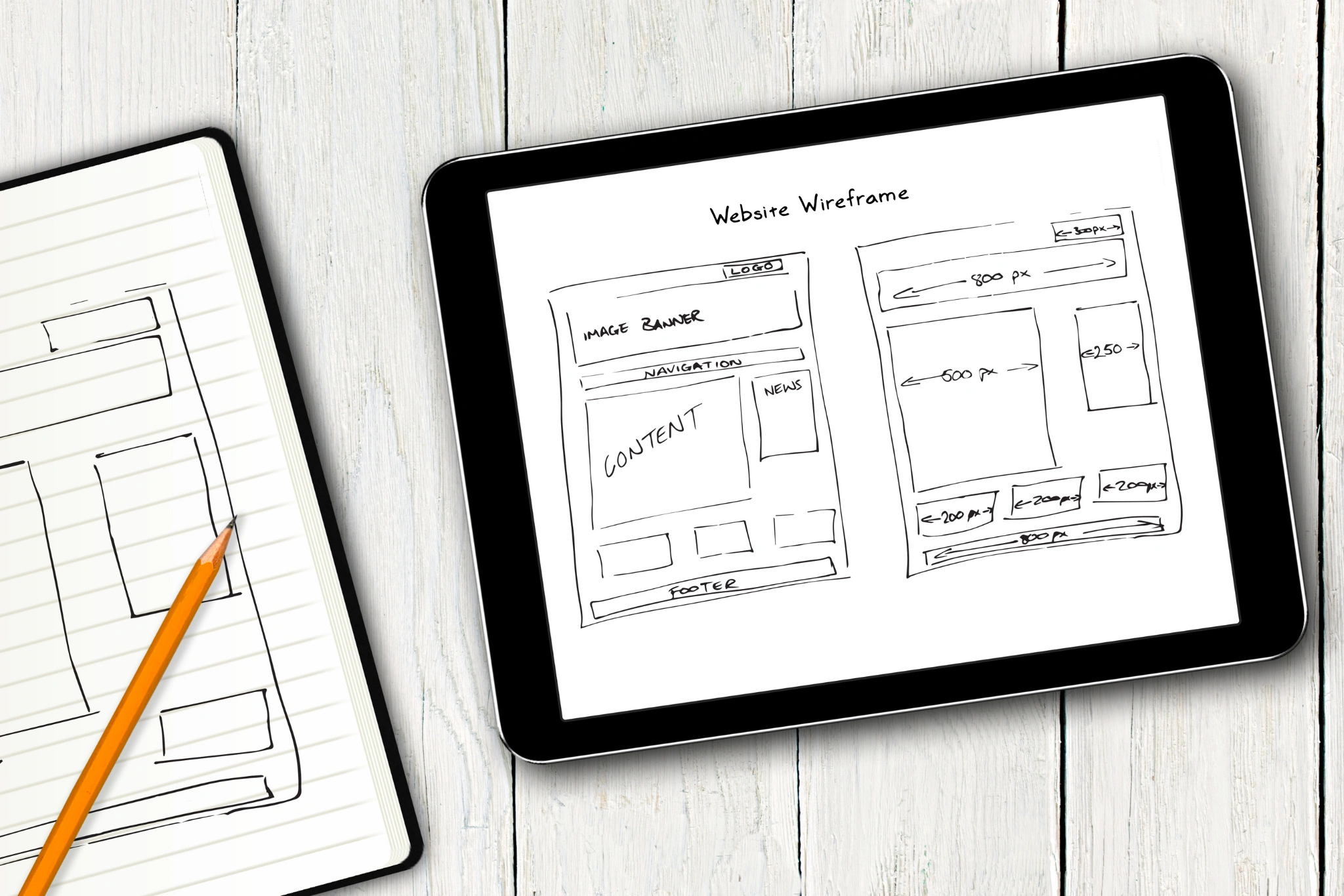
If you’re learning how to build a website, these decisions are important long before development begins, from choosing the right platform to planning the site’s structure and user experience.
Website Design Principles That Actually Work for Visitors
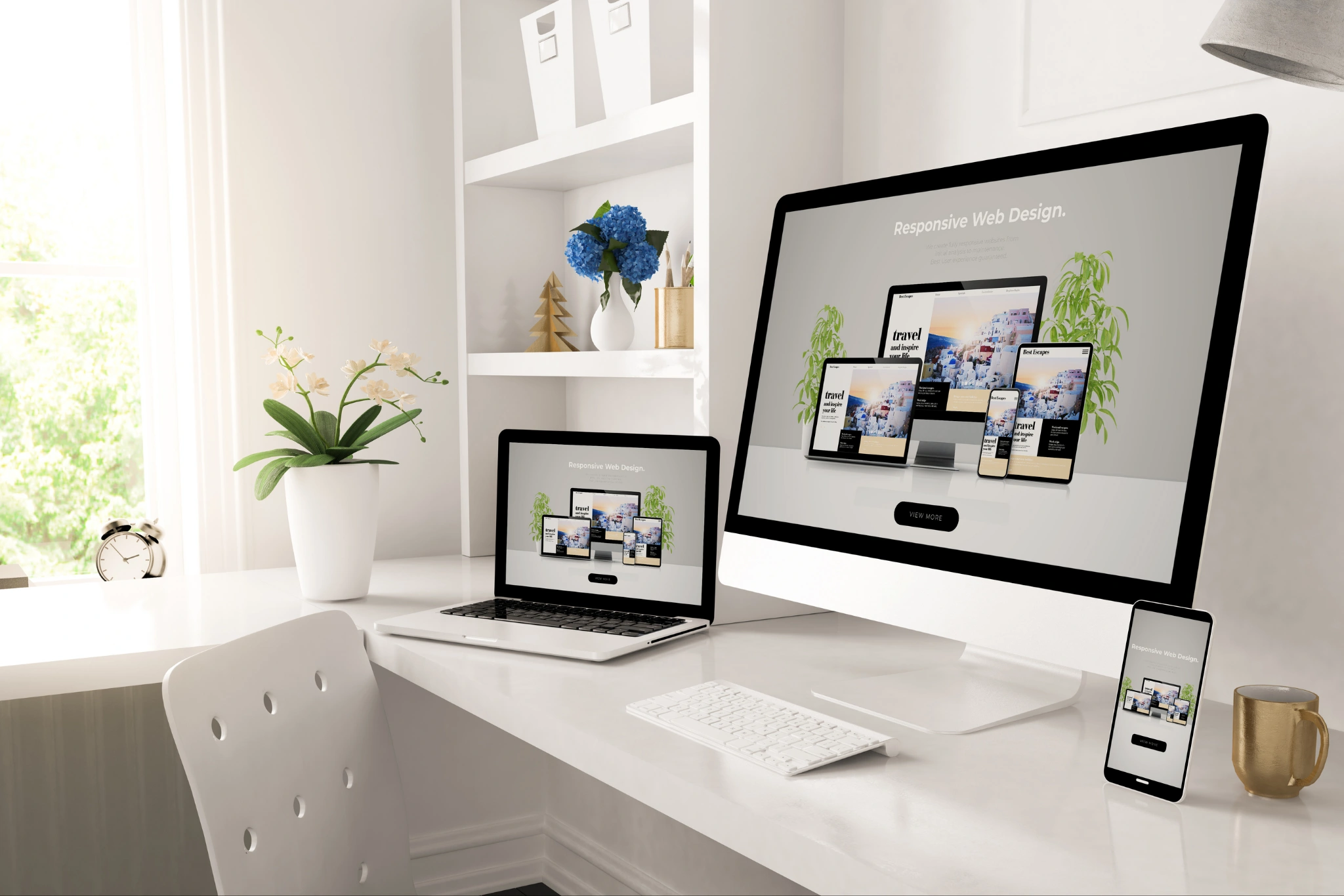
Good UX design principles come down to a fairly short list in practice: clear navigation, obvious next steps, and a layout that doesn’t make someone think harder than they need to just to find what they came for. Mobile-first design isn’t optional at this point either, since most traffic to most sites now arrives on a phone first, which means the mobile layout should be the starting point, not an afterthought squeezed in after the desktop version ships.
Accessibility deserves the same attention, and not just for compliance reasons — WCAG (Web Content Accessibility Guidelines) covers accessibility practices such as making content perceivable, operable, understandable, and robust. These principles can make a site usable for a meaningfully larger share of visitors, and many accessibility improvements cost very little when they’re built in from the start. All of this ultimately serves one goal: a site designed with conversion in mind, where every layout and copy decision is judged against whether it helps or hurts the action you actually want a visitor to take.
How to Build a Website: A Simple Process
If you’re wondering how to build a website, the process starts well before the first line of code or the first design mockup. A successful website begins with a clear purpose and then moves through planning, design, development, testing, and ongoing improvement.
1. Define the website’s goal
Start by deciding what the website needs to achieve. Is the goal to generate leads, sell products, showcase your work, provide information, or build brand awareness? A clear goal helps shape every decision that follows.
2. Understand your audience
Identify who the website is for and what they need from it. Understanding your audience helps you create relevant content, intuitive navigation, and calls to action that make sense for the people you’re trying to reach.
3. Plan the structure
Create a sitemap that outlines the main pages and how they connect. Planning the structure early makes navigation clearer and helps ensure important information is easy to find.
4. Design the user experience
Develop the layout, visual hierarchy, navigation, typography, and calls to action. A mobile-first approach is especially important, so the experience works well across phones, tablets, and desktops.
5. Choose the right platform
Select a platform based on your goals, budget, technical requirements, and future needs. WordPress, Webflow, and custom development can all be suitable choices depending on the project.
6. Develop and optimize the site
Turn the approved design into a working website, while paying attention to responsive design, accessibility, security, page speed, and search engine optimization.
7. Test before launch
Check the website across different devices and browsers. Test forms, links, navigation, checkout processes, page speed, and other important functions before making the site public.
8. Launch, monitor, and improve
Launching the website is not the final step. Monitor performance, user behavior, conversions, and technical issues after launch, then make improvements based on what the data tells you.
A good website development process balances design, functionality, user experience, SEO, and long-term maintenance rather than treating the launch as the finish line.
Choosing a Website Platform and Development Partner
The WordPress versus Webflow versus custom development decision trips up a lot of teams early on, and the right answer depends less on which platform is ‘best’ and more on how much flexibility, budget, and long-term maintenance capacity actually exists behind the project. Whichever platform gets chosen, knowing how to choose a web development agency well matters just as much as the platform itself — a mismatched agency can turn even the right technical choice into a frustrating, expensive experience.
E-commerce brings its own layer of complexity on top of general web design — product pages, checkout flow, and inventory display all carry more weight for revenue than they do on a typical marketing site, and design decisions there deserve to be judged on conversion data, not just visual polish.
If you’re looking for a practical web development guide, start by understanding how platform choice, functionality, integrations, performance, and ongoing maintenance affect the project.
Website Speed, Performance, and Maintenance
Website speed optimization isn’t a one-time task — new images, plugins, and scripts creep in constantly, and a technical checklist run periodically catches the slowdown before visitors notice it themselves. It’s also worth monitoring Core Web Vitals, which provide useful performance metrics for understanding how visitors experience a website in the real world. When a full website redesign becomes necessary, this website redesign guide can help you plan the process. Planning matters more than most people expect; a new site can look sharper and still lose rankings or confuse returning visitors if the migration itself isn’t handled carefully.
And once a site is live, it still needs upkeep — a website maintenance checklist covering security updates, broken link checks, and backup routines is what keeps a site from quietly degrading between the big redesign projects that get all the attention.
How to Choose the Right Web Development Agency
Choosing a web development agency is about more than finding a team that can build an attractive website. The right partner should understand your business goals, communicate clearly, and have the technical and strategic skills needed to build a site that performs well after launch.
Here are a few things to evaluate before making a decision:
Look at relevant experience
Review the agency’s portfolio and look for projects similar to yours in terms of industry, functionality, website size, or business goals. Relevant experience can make it easier for the team to anticipate challenges and recommend practical solutions.
Check their technical capabilities
Make sure the agency has experience with the platform and features your website requires. This could include WordPress, Webflow, e-commerce functionality, integrations, analytics, SEO, performance optimization, or custom development.
Evaluate their approach to UX and SEO
A website shouldn’t just look good. Ask how the agency approaches user experience, mobile responsiveness, accessibility, page speed, technical SEO, and conversion optimization. These factors can have a direct impact on how effectively the site performs.
Understand what’s included
Before signing a contract, clarify exactly what you’ll receive. Ask about design, development, content migration, SEO, testing, hosting, analytics setup, training, revisions, and post-launch support.
Consider communication and support
Website projects involve many decisions, so communication matters. Find out who your main point of contact will be, how often you’ll receive updates, and what happens when you need changes or technical support after launch.
Compare value, not just price
The cheapest proposal isn’t necessarily the best choice. Compare agencies based on their experience, process, technical capabilities, scope of work, support, and expected business outcomes.
The best web development agency is one that can connect design and technology with your actual business objectives. Taking the time to evaluate the agency carefully can help you avoid costly fixes and a frustrating rebuild later.
Frequently Asked Questions About Website Design and Development
What is website design and development?
Website design focuses on a site’s visual appearance, user experience, navigation, and interface, while website development involves building the functionality and technical infrastructure that makes the site work.
How do I choose the right platform for my website?
Consider your budget, website goals, required features, customization needs, scalability, and ability to manage ongoing maintenance. Popular options include WordPress, Webflow, and custom development.
How long does it take to design and develop a website?
The timeline depends on the site’s size, functionality, content, design requirements, platform, and development complexity. A simple business website may take considerably less time than a large e-commerce or custom website.
What makes a website user-friendly?
Clear navigation, readable content, responsive design, accessible interfaces, fast loading times, consistent layouts, and obvious calls to action all contribute to a better user experience.
When should a website be redesigned?
A redesign may be appropriate when a site has outdated UX, poor mobile performance, technical limitations, declining conversions, security concerns, or a visual identity that no longer reflects the business.
Why is website maintenance important?
Regular maintenance helps keep a website secure, functional, fast, and up to date. It can include software updates, backups, broken-link checks, security monitoring, performance improvements, and content updates.
Putting Your Website Design and Development Strategy Together
A website is never really ‘done’ — it’s a living system that needs the right design principles up front, the right platform and partner decisions early on, and consistent upkeep afterward to keep performing the way it did on launch day. Skipping any one of those tends to show up eventually, usually as slow load times, a redesign gone wrong, or a site that just quietly stops converting as well as it used to. The cluster guides linked throughout this page go deeper into each piece.